

Download JrPrinter – Free Photo Printing Utility for Windows
JrPrinter is a lightweight, free software utility designed exclusively for Windows users who want to print photos directly onto standard photographic paper with ease. This simple yet effective tool eliminates the complexity of traditional photo printing setups, making it ideal for home users, students, and hobbyists. With minimal system requirements and a straightforward interface, JrPrinter delivers fast, reliable results without consuming excessive storage space.
Despite being last updated in 2008, it remains a popular choice in regions like Algeria and Pakistan, where users value its no-frills functionality. The software supports Windows 2000 and earlier versions, making it compatible with older systems that may not run modern printing tools. Available in both English and Spanish, JrPrinter continues to serve a niche but loyal user base seeking a secure, hassle-free way to print high-quality photos.
Simple & Efficient Photo Printing Made Easy
One of the standout features of JrPrinter is its user-friendly design, which prioritizes simplicity without sacrificing functionality. Unlike complex photo editing or printing suites that require learning curves, JrPrinter focuses on one core task: printing photos on photographic paper. The interface is clean and intuitive, allowing users to quickly load images, select print settings, and send jobs to their printer with just a few clicks.
This streamlined experience makes it perfect for individuals who aren’t tech-savvy but still want professional-looking prints at home. The software doesn’t come with advanced editing tools like cropping or color correction, but it doesn’t need to—its strength lies in reliability and speed. For users with older Windows systems, JrPrinter offers a rare alternative to modern software that often fails to run on legacy hardware.
Its minimal footprint means it installs quickly and runs smoothly even on machines with limited RAM or processing power. Additionally, the program is completely free to download and use, with no ads, in-app purchases, or hidden costs. This makes it a secure and trustworthy option for anyone looking to avoid bloatware.
Whether you’re printing family memories, school projects, or simple snapshots, JrPrinter delivers consistent results without the frustration of compatibility issues or crashes. It’s a testament to how a well-designed tool can remain relevant for over a decade, even in a fast-evolving digital landscape.
Lightweight, Secure, and Compatible with Legacy Systems
JrPrinter’s lightweight nature is one of its greatest advantages, especially for users working with older or low-spec computers. At just a few megabytes in size, the software takes up negligible storage space—making it ideal for systems where every kilobyte counts. Unlike many modern applications that demand high-end hardware and constant updates, JrPrinter runs efficiently on Windows 2000 and earlier versions, including Windows ME and XP.
This backward compatibility is rare today, which is why it continues to be downloaded in countries like Algeria and Pakistan, where older systems are still in use. The software doesn’t require installation of additional drivers or dependencies, further reducing the risk of system conflicts. It operates directly with your existing printer setup, relying on standard Windows printing protocols.
This ensures that even if your printer isn’t supported by newer software, JrPrinter can still work with it—provided it supports basic photo printing. Security is another key benefit: since the software is open-source (in spirit), has no internet connectivity, and doesn’t collect user data, it poses no privacy risks. It’s a safe choice for users concerned about malware or tracking.
Furthermore, because it hasn’t been updated since 2008, it avoids the potential vulnerabilities that come with frequent updates. While this means it won’t support newer file formats or high-resolution prints, it remains stable and predictable. For those seeking a no-nonsense printing tool that just works, JrPrinter delivers on all fronts—without the bloat or complexity of modern alternatives.
Installation, Usage, and Key Features
Installing JrPrinter is a breeze, even for beginners. Simply download the executable file from a trusted source, run it, and follow the on-screen prompts. There’s no need to navigate through complex setup wizards or agree to unnecessary terms.
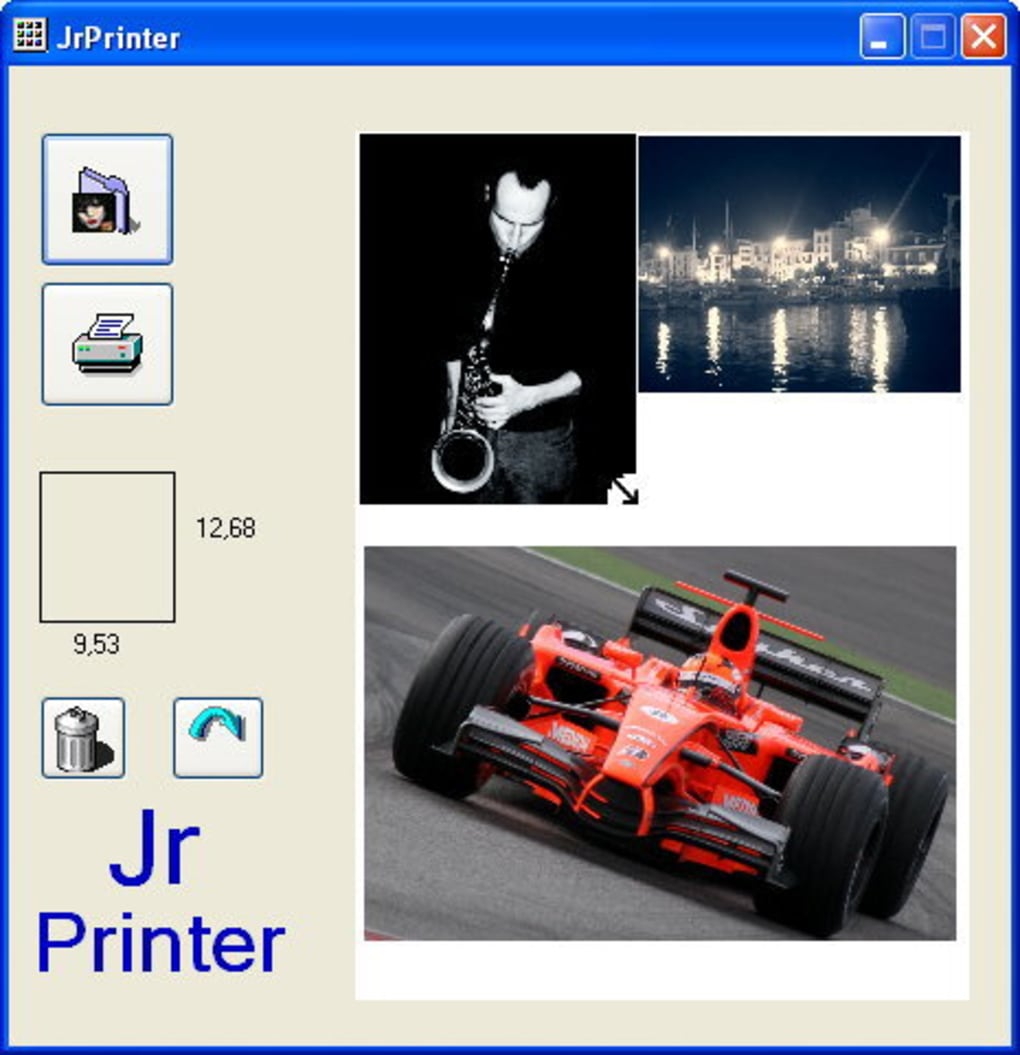
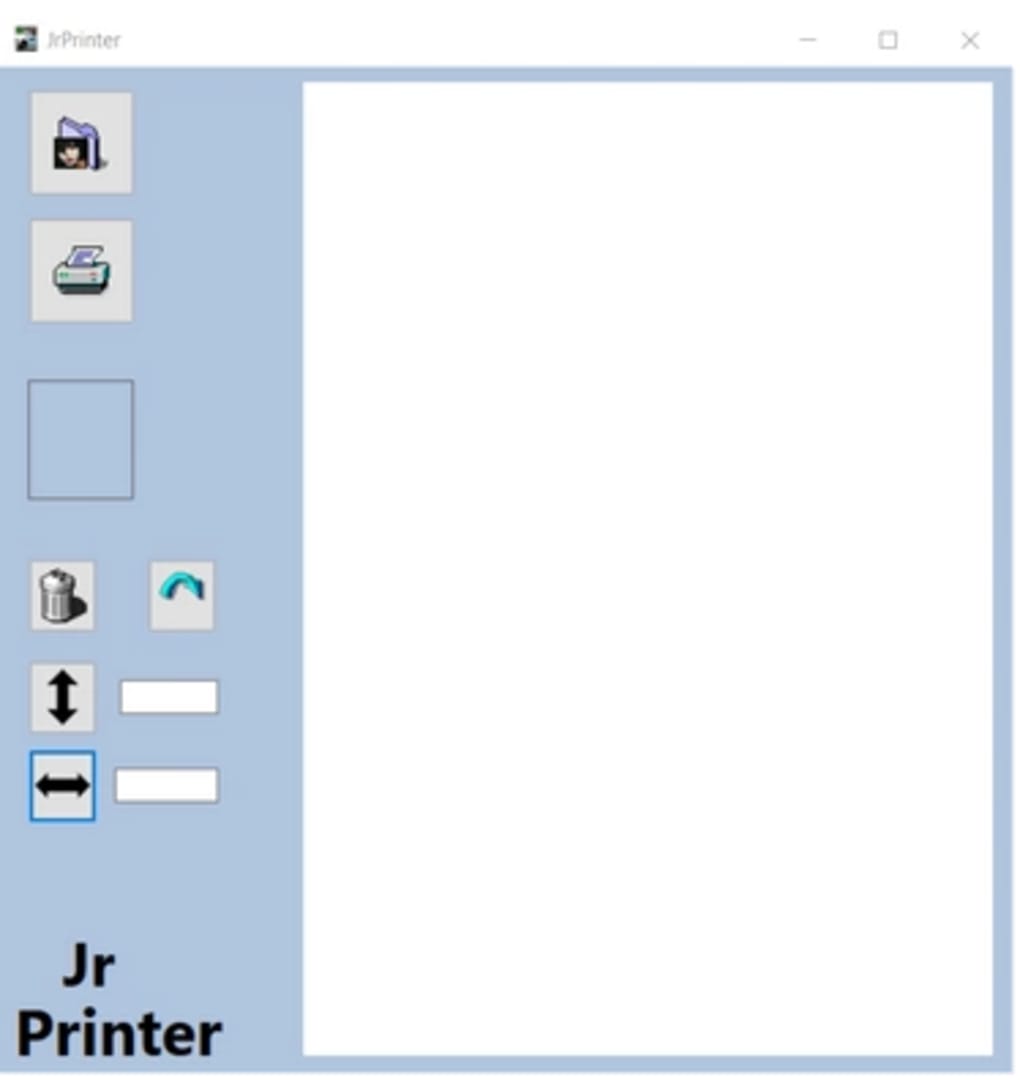
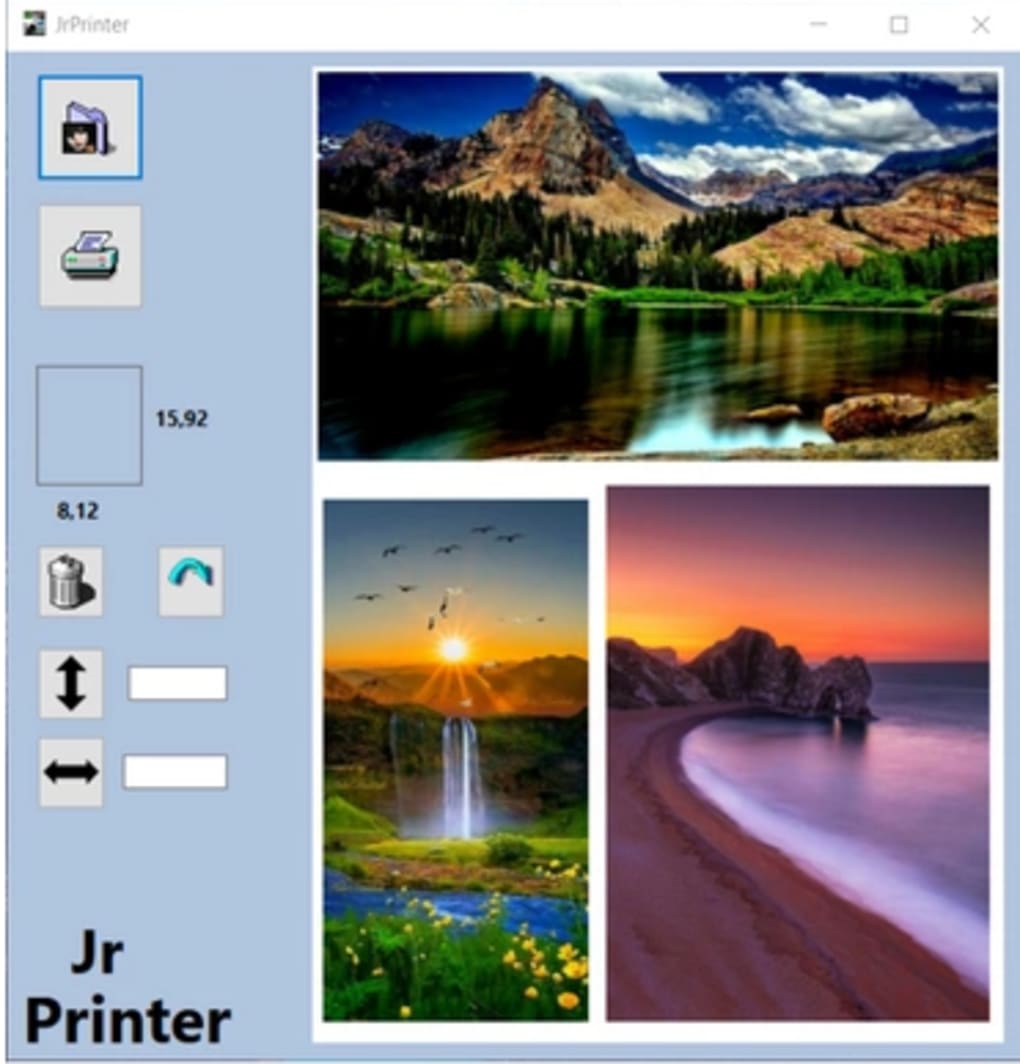
The program runs directly from the downloaded file, meaning you can even use it from a USB drive without installing it on your system. Once launched, the main window displays a simple layout: an image preview area, a print settings panel, and a single “Print” button. To use it, just click “Open” to load your photo from your computer, adjust the print size if needed (though options are limited), and select your printer from the dropdown menu.
The software automatically detects connected printers, so there’s no manual configuration required. It supports standard photographic paper sizes like 4x6 inches, making it perfect for instant prints. While it lacks advanced features such as batch printing or print layout customization, it excels in its primary purpose: printing one photo at a time with consistent quality.
For users who value speed and simplicity, this is a major plus. The software also includes basic orientation controls (portrait or landscape) and supports common image formats like JPEG, BMP, and PNG. Although it doesn’t offer color calibration or DPI adjustments, the output quality is surprisingly good for its age.
It’s worth noting that JrPrinter does not support mobile devices or cloud printing—this is strictly a desktop tool for Windows. However, for its intended audience, this limitation is not a drawback but a feature. The software is also available in two languages: English and Spanish, broadening its accessibility.
Overall, JrPrinter is a reliable, secure, and efficient tool for anyone needing a straightforward photo printing solution on older Windows systems.
Key Features of JrPrinter
- Lightweight design – minimal storage and memory usage
- Free to download and use – no ads or hidden costs
- Supports Windows 2000 and earlier versions
- Simple interface for quick photo printing
- Works with standard photographic paper (4x6 inches)
- Compatible with most standard printers via Windows printing system
- Available in English and Spanish
- No installation required – portable mode available
- Secure – no internet connection, no data collection
Pros and Cons
Pros
- Extremely lightweight and fast
- Free and ad-free
- Runs on legacy Windows systems
- Simple and intuitive interface
- Secure and private – no tracking or updates
- Portable – can be used from USB drive
Cons
- Not updated since 2008
- Limited to single photo printing
- No batch processing or layout options
- Does not support newer image formats (e.g., HEIC)
- Only available for Windows
- No mobile or cloud printing support
Frequently Asked Questions (FAQ)
Is JrPrinter free to download?
Yes, JrPrinter is completely free to download and use. There are no hidden fees, subscriptions, or in-app purchases. The software is distributed as a standalone executable with no ads or tracking.
Which operating systems does JrPrinter support?
JrPrinter is designed for Windows operating systems, specifically Windows 2000 and earlier versions, including Windows ME, Windows XP, and older. It is not compatible with Windows 7 or later.
Can I use JrPrinter on a USB drive?
Yes, JrPrinter does not require installation and can be run directly from a USB flash drive. This makes it ideal for use on multiple computers without leaving traces or installing software.
Does JrPrinter support high-resolution photos?
While JrPrinter can load high-resolution images, it does not offer DPI adjustment or advanced scaling options. The print quality depends on your printer’s capabilities and the original image resolution.
Is JrPrinter safe to use?
Yes, JrPrinter is considered safe. It doesn’t connect to the internet, doesn’t collect user data, and has no known malware. Since it’s a small, standalone executable, it poses minimal risk to your system.
Final Verdict: A Niche Tool with Lasting Value
JrPrinter may not be the most modern photo printing tool on the market, but it remains a valuable option for users with older Windows systems or those who prefer simplicity over complexity. Its lightweight design, free access, and secure operation make it a standout choice in the realm of software utilities. While it lacks features like batch printing, mobile support, and modern file format compatibility, it excels in its core function: printing photos on photographic paper quickly and reliably.
For users in regions where newer software isn’t supported, JrPrinter offers a lifeline. If you’re looking for a no-frills, dependable way to print your favorite images without installing heavy software, this is the tool for you. Download JrPrinter today and experience hassle-free photo printing on Windows.







